Voice interface
Jarvis
Voice assistants feel slow because of the round trip. Take the server out of the middle and the latency goes with it.
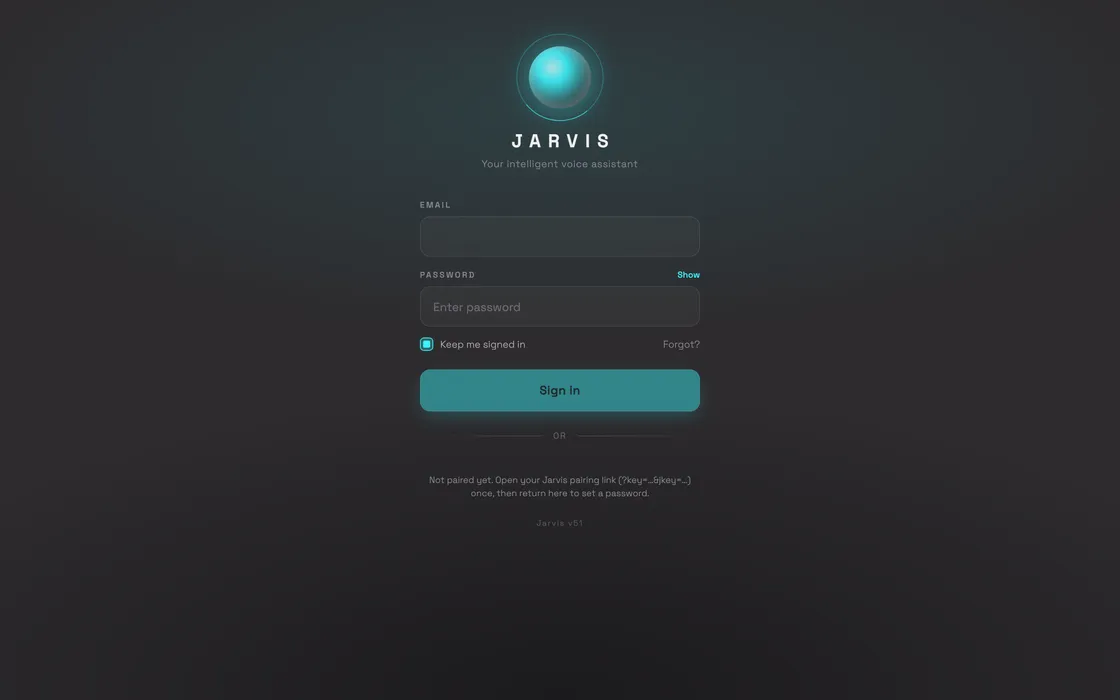
The problem
The usual way to build a voice product is a relay: the browser records audio, ships it to your server, your server calls a speech API, then a language model, then a text-to-speech API, and streams the result back. Every hop adds delay, and the delay is what makes the thing feel like a machine instead of a conversation.
It also means you are paying to run infrastructure whose only job is to forward packets.
What we built
No backend in the voice path
The browser opens a WebSocket straight to the model. Audio goes in natively and comes back natively — no transcription hop, no separate speech synthesis step, no server relaying between them.
It can look things up mid-sentence
Live search grounding is built in, so it answers questions about things that happened after the model was trained instead of confidently guessing.
An orb that reacts to the room
A particle orb driven by live microphone and speaker amplitude, so you can see it listening and see it talking. It is the whole interface — there are no buttons to learn.
Installs like an app, locks like a vault
It installs to the home screen and works offline, with credentials held in a hardware-grade encrypted vault and optional biometric unlock.
No framework, no build step
Vanilla JavaScript throughout. Nothing to bundle, nothing to keep upgrading, and a codebase that will still run in five years.
How it works
- The page opens a WebSocket directly to the multimodal model.
- Microphone audio is streamed up as 16kHz PCM by an inline audio worklet.
- The model detects when you stop talking and answers in native audio.
- Response audio is scheduled ahead for gapless playback while the orb reacts to it.
At a glance
Want something like this?
We build production software for other people too — this is just what we build for ourselves.
Book a call